macOS Installation
Step 1
Open Terminal
Open the 'Terminal' app on your Mac (Found in Applications -> Utilities, or via Spotlight).
Step 2
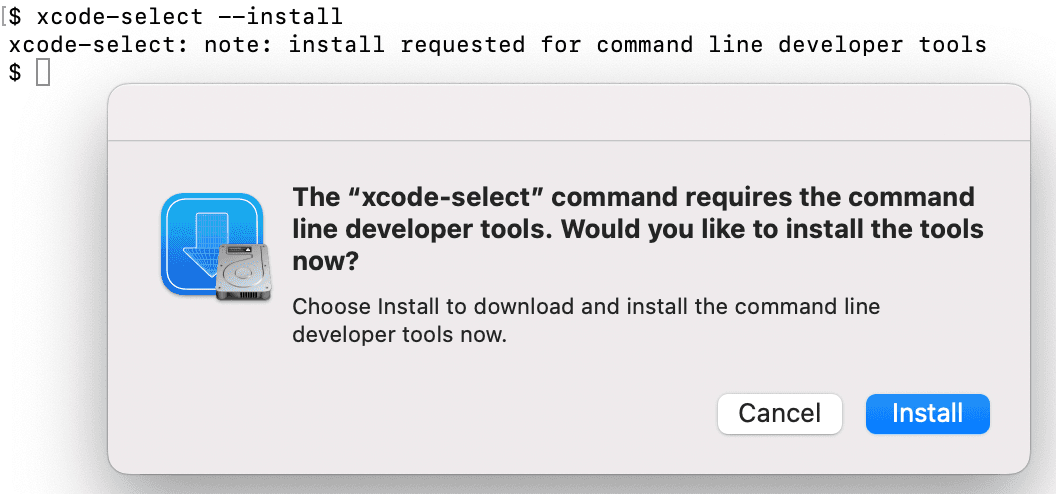
Xcode Command Line Tools
During installation, macOS may ask to install 'command line developer tools'. Click 'Install' to continue. This is required for Node.js.